
|
|
Adding production batch information to a log sheet enables you to specify the product that was manufactured during the shift, along with the production batch figures.
To add production information to a log sheet, you need to do the following:
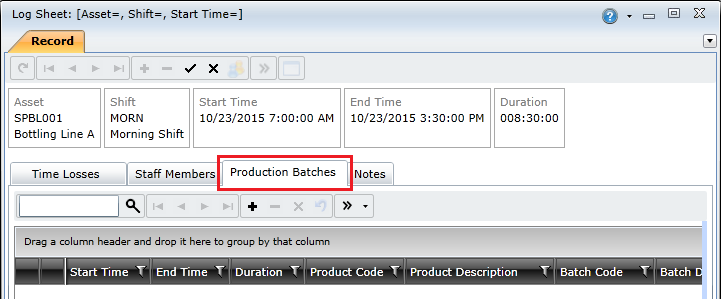
 ) button on the toolbar.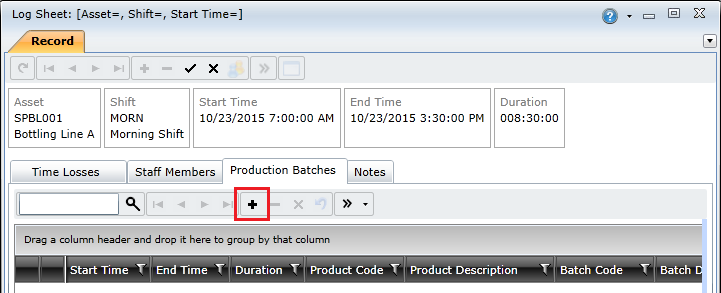
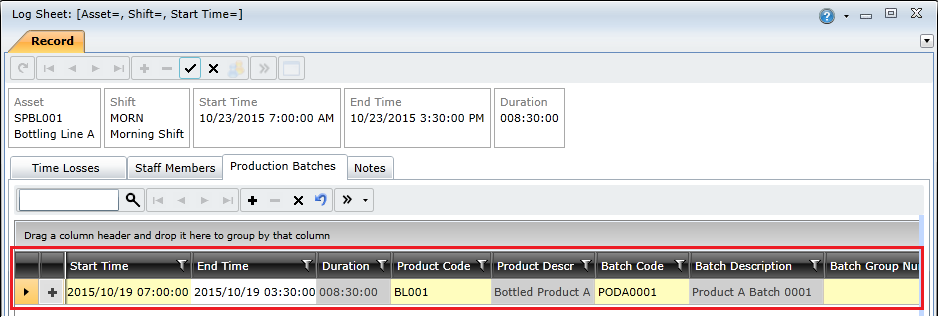
|
Field |
Description |
|
Start\End Time |
The date and time the production run started and ended. Notes:
|
|
Product Code |
The product that was produced or assembled during the production run. Note: Only products linked to the asset specified in the log sheet will be listed in the Products lookup window. |
|
Batch Code |
The batch that the production run was part of. Note:
|
|
Batch Group Number |
Species a specific group in a production batch. Defaults to 0. |
|
Units Total |
The actual number of units produced or assembled. |
|
Units Good |
The number of usable units produced or assembled. This field will be calculated automatically if you have completed the Units Total and Units Scrap fields. Note: Units Good = Units Total - Units Scrap |
|
Units Scrap |
The number of waste units produced or assembled. This field will be calculated automatically if you have completed the Units Total and Units Good fields. Note: Units Scrap = Units Total - Units Good |
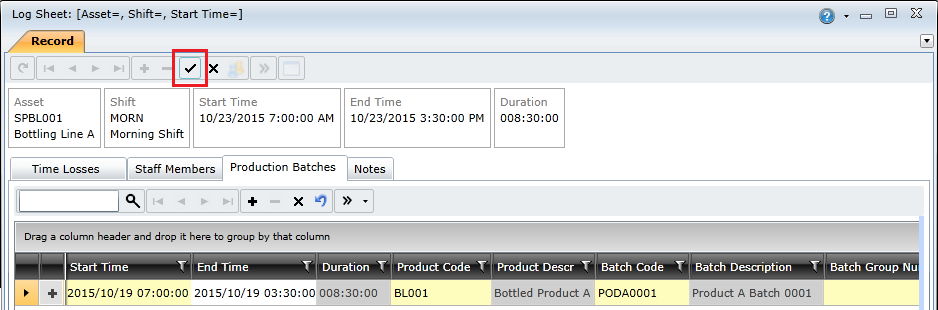
 ) button to save the log sheet.